
If you run (or plan to run) a WordPress site, hosting is one of the first decisions that affects speed, security, and how much time you spend fixing the server. This guide covers what to look for in WordPress hosting—and how Level9themes / A2 Themes fit in.

WordPress-optimized environment
Generic shared hosting has to support many stacks. WordPress-focused plans can tune the stack for WordPress: SSD storage, enough PHP memory and CPU, server-side caching, and a current PHP version. On modern hosts that usually means PHP 8.1+ (this site runs on PHP 8.x). Prefer plans that document PHP version choice and keep 8.2/8.3 available.
Automatic updates
WordPress core can auto-apply security releases, but major updates, plugins, and themes are often left to you. Good WordPress hosting either runs those updates for you or makes one-click / scheduled updates easy—so you are not stuck on old, vulnerable versions.
Themes and plugins that ship with the plan
Some hosts bundle premium themes or plugins. Treat that as a bonus, not the main reason to choose a host—license terms and support quality still matter. Browse our own catalog of WordPress themes on Level9themes when you need a design, independent of the host.
Backups
Daily (or more frequent) backups with a clear restore path are non-negotiable for a site that publishes often. Check retention length and whether you can trigger a manual backup before big changes.
Staging and versioning
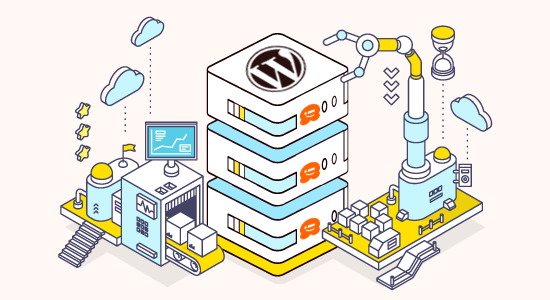
A staging copy (or similar rollback) lets you test theme/plugin updates without breaking the live site. If you customize heavily, this alone can justify a managed WordPress plan.
Security
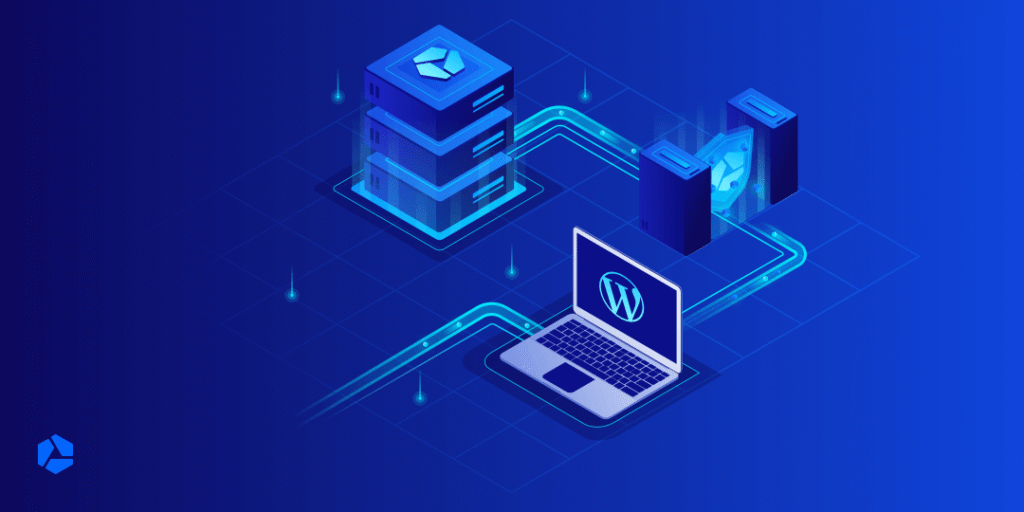
Expect malware scanning, brute-force protection, and a web application firewall at the host level. Pair that with strong admin passwords, limited plugins, and keeping WordPress updated.
Support that knows WordPress
When something breaks at midnight, you want support that understands wp-config.php, PHP limits, and caching—not only generic cPanel tickets.
Where we host / recommend
For WordPress themes and hosting options from our team, start at A2 Themes (Host Me)—the current home for what used to live under Host me Host. Compare plans there against the checklist above (PHP 8.x, backups, caching, support) before you commit.